How It Works
See how ScanIt Parts connects your scanners to your DMS through the cloud
Your Scanners. Your DMS. Connected by the Cloud.
ScanIt Parts is 100% cloud-based — no local PC or server needed. Your scanners link over WiFi. Data flows safely to your DMS through the internet.
Scan
Scan parts with any supported scanner on your dealership's WiFi.
Process
Data goes right away to the ScanIt Parts cloud over the internet.
Update
Your DMS is updated in real time via a certified secure connection.
Mix & Match Equipment
Use any combination of scanners — they all connect to the same cloud platform.

Urovo K388 Pro
Scan + print, 1.5s label apply
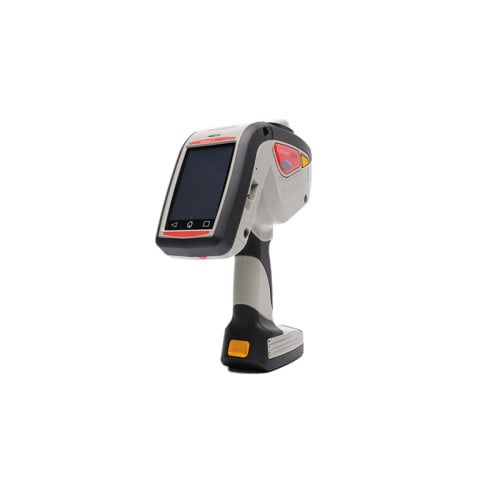
Monarch 6059+
Scan + print flagship
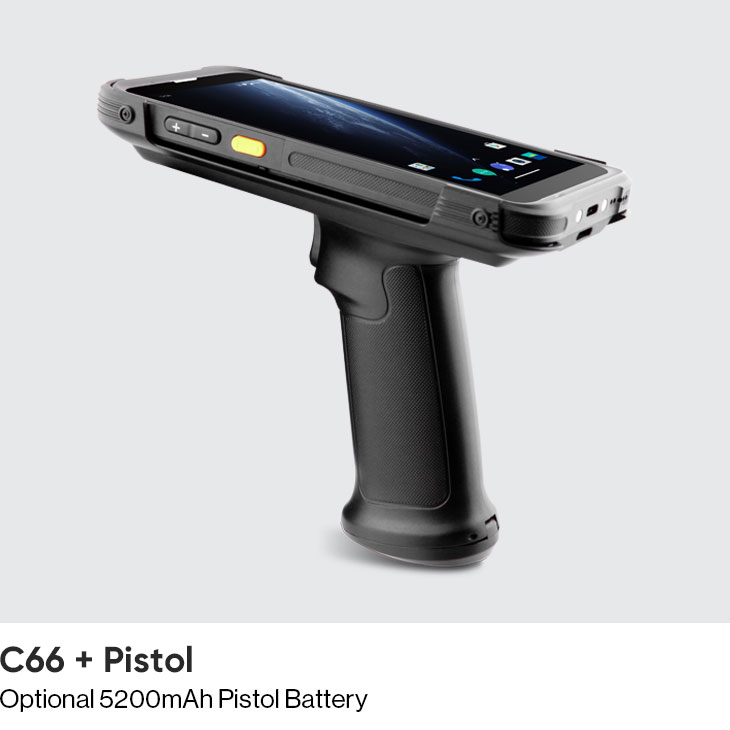
Chainway C66
Lightweight handheld
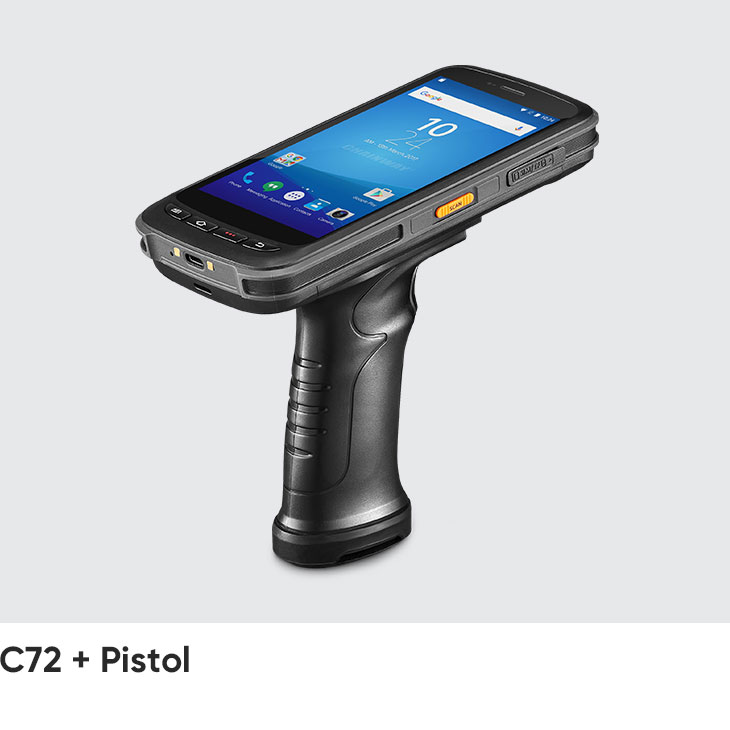
Chainway C72
Industrial, optional RFID
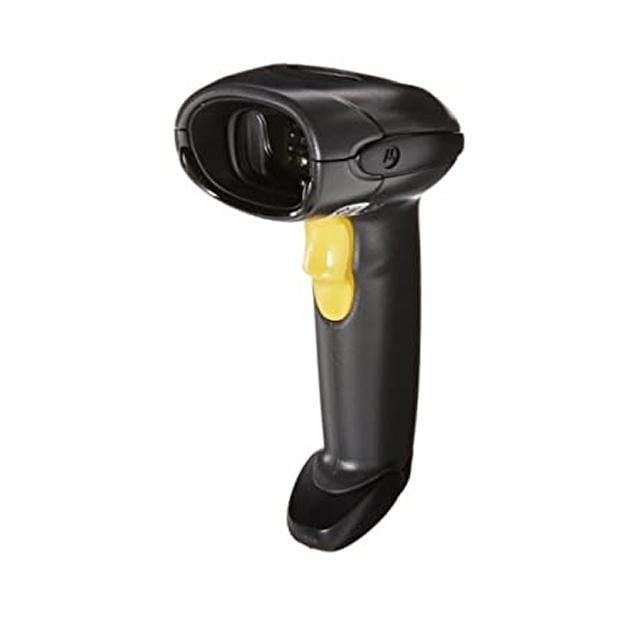
Zebra LS4208
USB counter scanner for POS
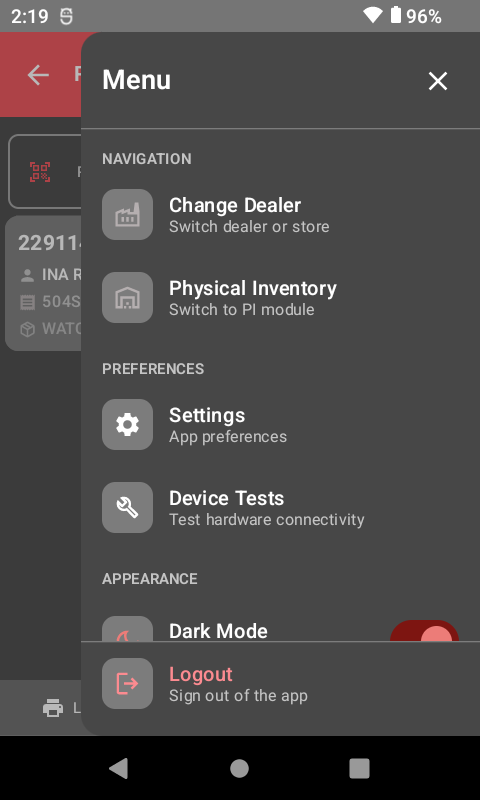
Simple Login & Setup
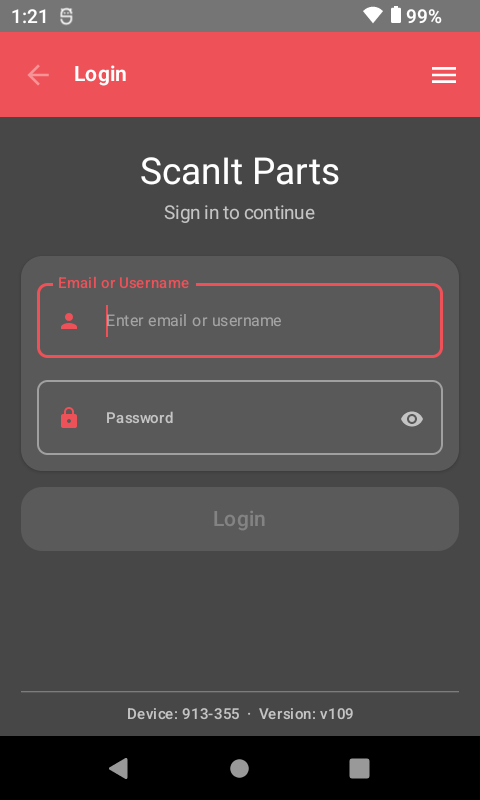
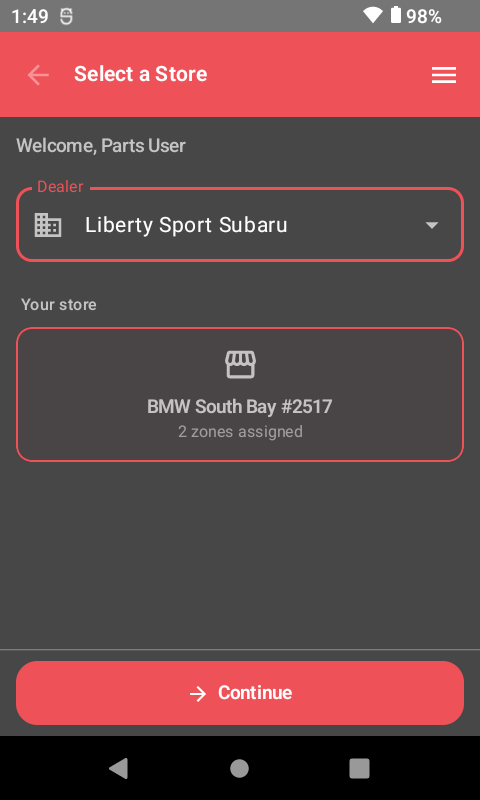
Log in, pick your store, and you're ready to go. No complex setup screens to deal with.
- Safe username and password login
- Multi-store support for dealer groups
- Ready to scan in seconds
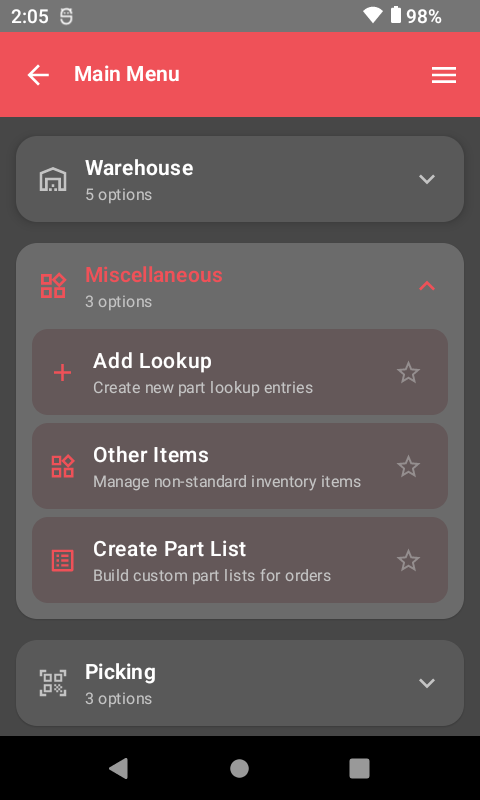
Full-Featured Main Menu
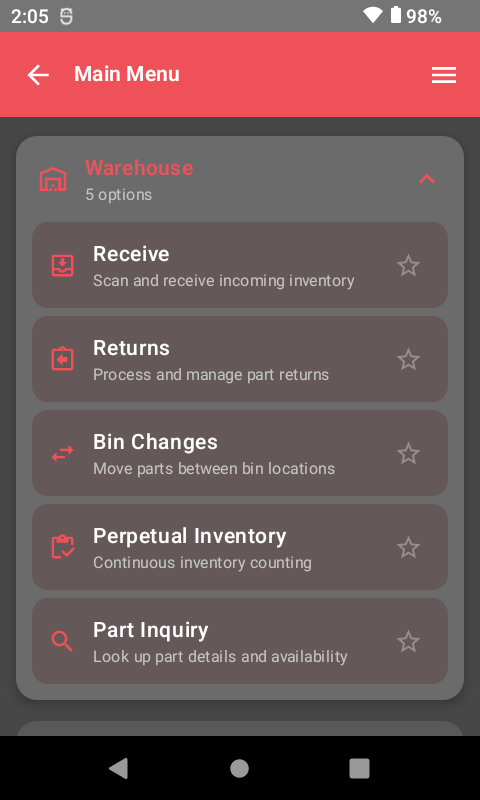
All your tools in one place — receiving, inventory, returns, and more. The main menu fits your dealership's way of working.
- One-tap access to every module
- More tools under the Misc menu
- Clean, easy-to-use screen
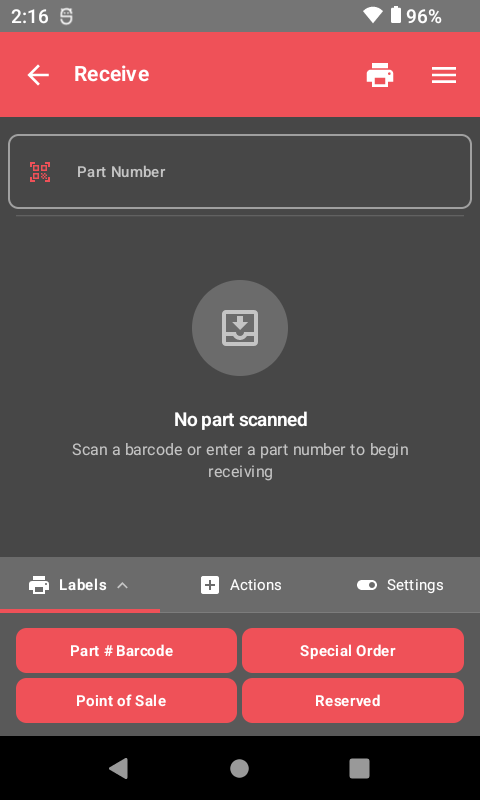
Receive Parts in Seconds
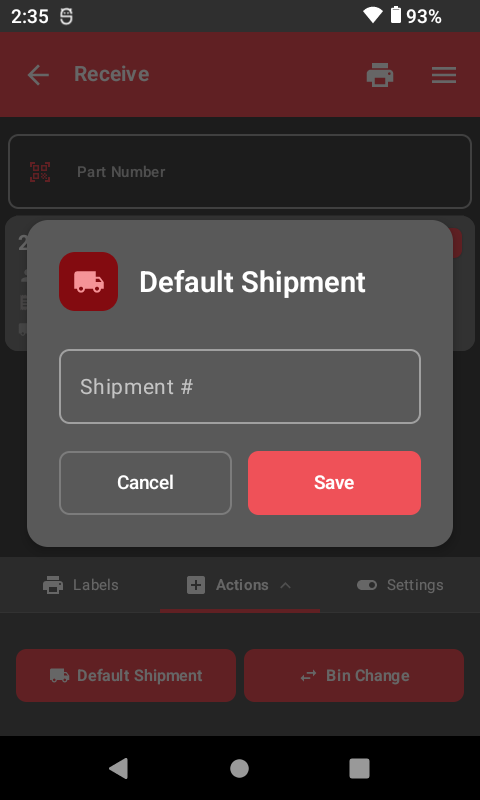
Scan parts as they come in. Track shipments, handle extras, and print labels right away. Your DMS updates in real time.
- Scan to receive — DMS updates on its own
- Print bin labels and special order tags
- Handle extras and shortages on the spot
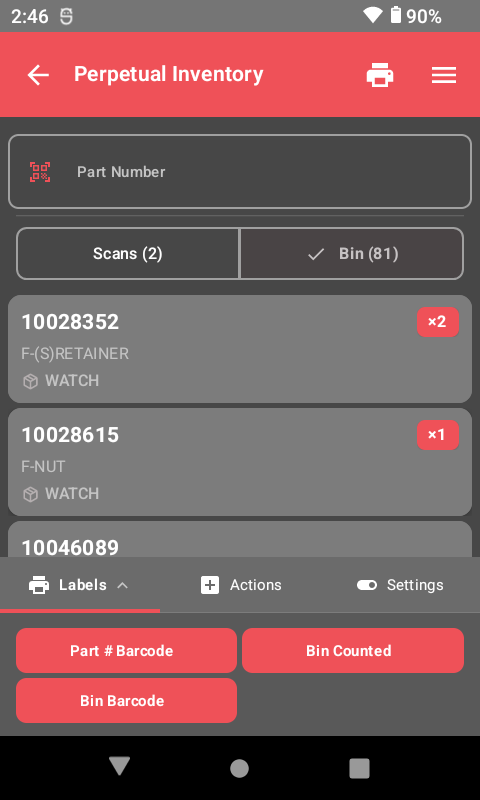
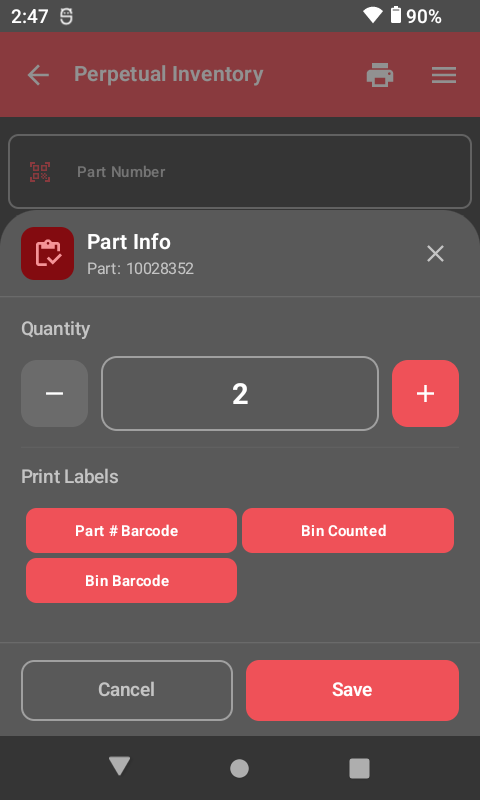
Cycle Count with Confidence
Scan bins and parts for correct counts. Change amounts on the spot. Keep your inventory tight without shutting down the department.
- Scan bin to see all contents
- Change part amounts in real time
- Gaps get flagged on their own
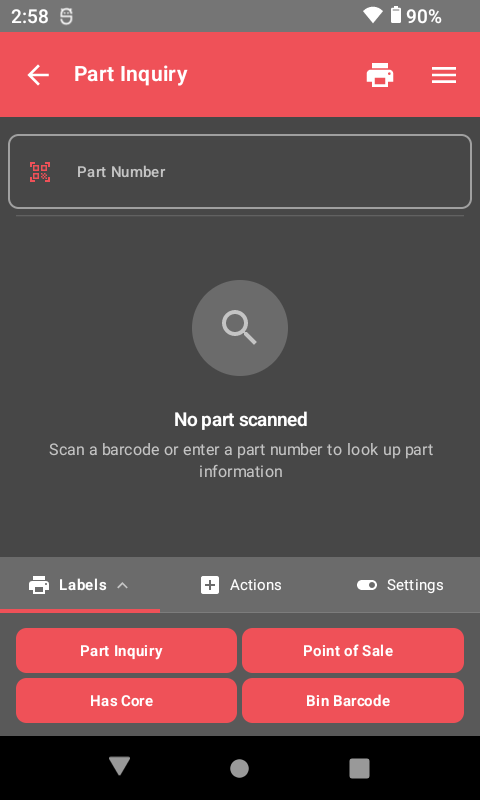
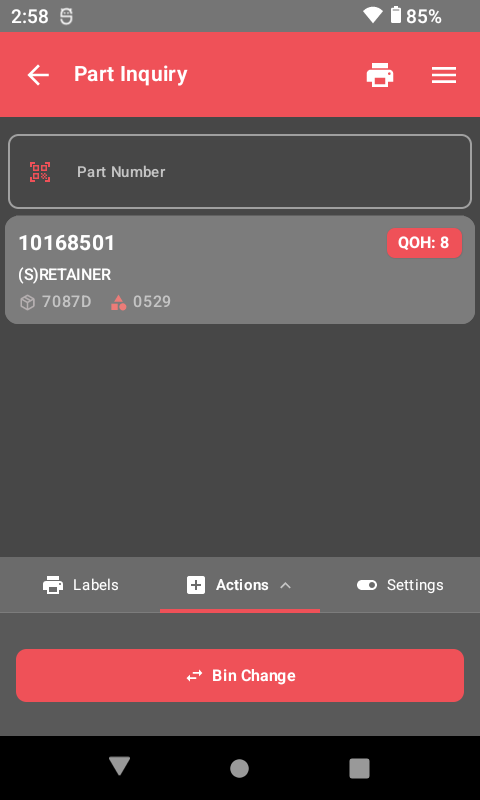
Quick Part Inquiry
Look up any part right away. See details, print labels, and check stock — all from the scanner in your hand.
- Scan or type any part number
- See bin location, price, and stock levels
- Print labels or take action on the spot
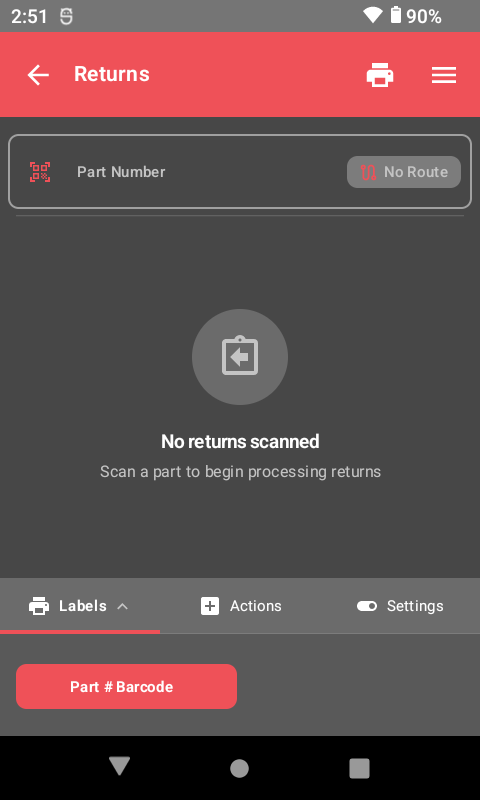
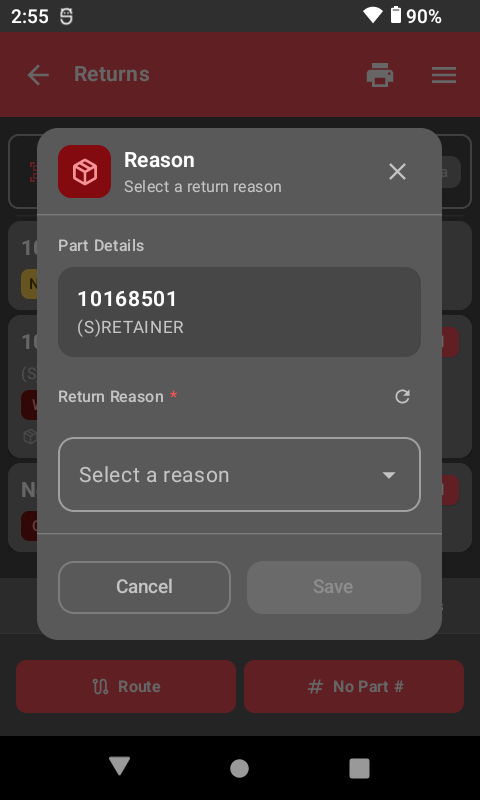
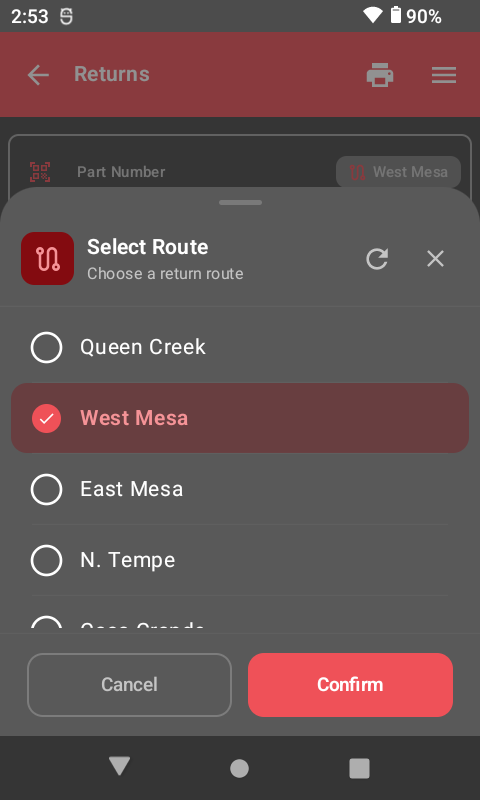
Process Returns Easily
Full return steps with reason codes and routing built in. Track who returned what and why — no paperwork needed.
- Select return reason (damaged, core, warranty, etc.)
- Route returns to the right destination
- Complete return history for every part
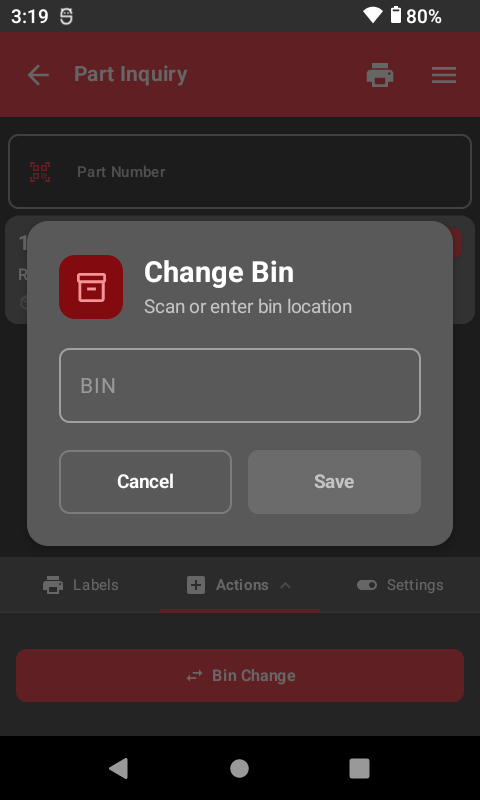
Manage Bin Locations
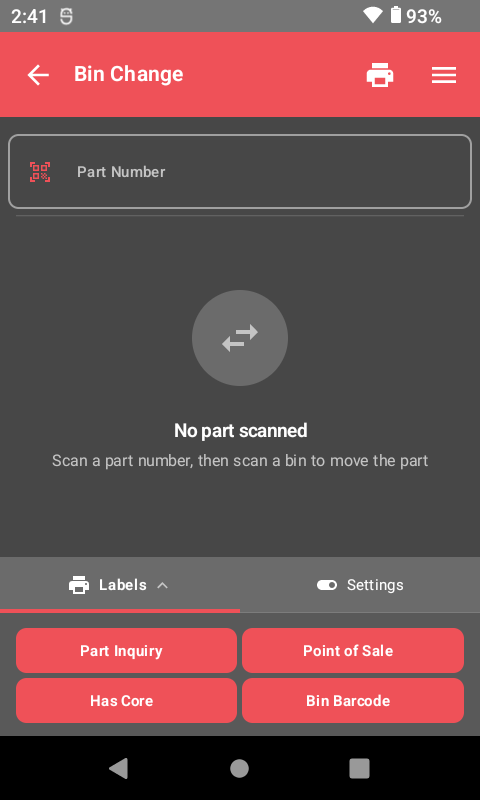
Move parts between bins with a quick scan. Print new bin labels on the spot. Keep your shelves in order.
- Two-scan bin change process
- Print bin labels instantly
- Real-time DMS updates
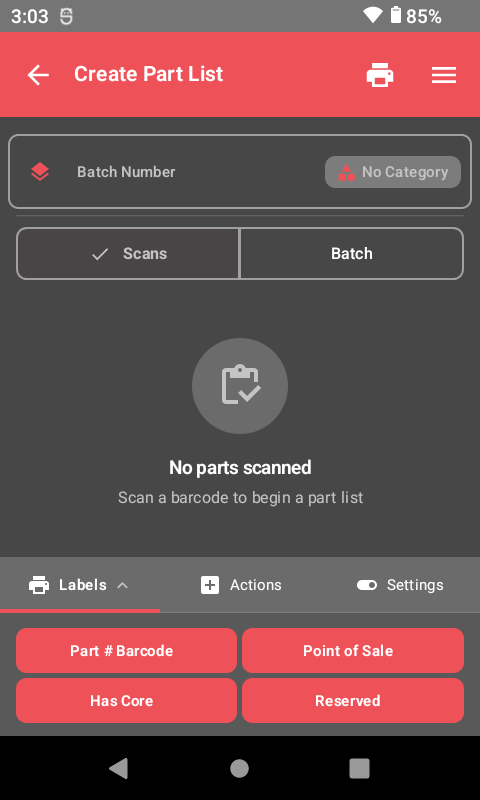
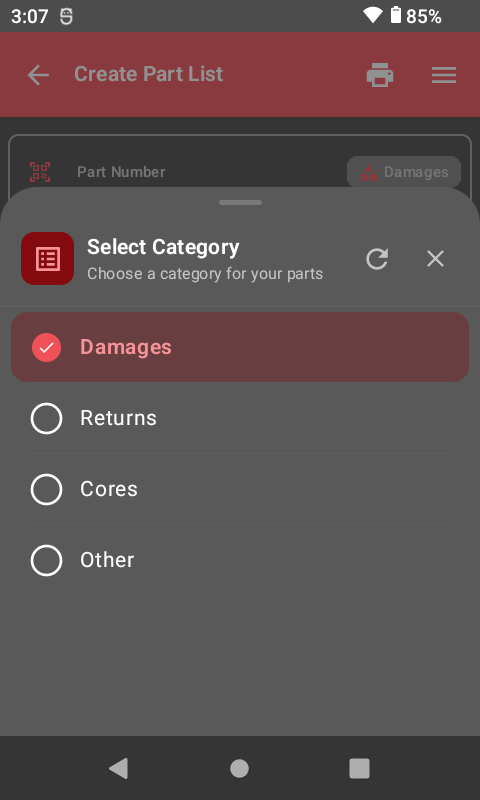
Build Custom Part Lists
Build part lists by type for special orders, restocking, and more. Sort parts your way.
- Create lists by category
- Scan parts to add them instantly
- Use for stock orders, audits, and more
Ready to See It in Action?
Book a live demo and see how ScanIt Parts can make your parts department run smoother.